PassGen 2.0
App converts easily remembered words and phrases to hard crackable passwords.
Offers paid and free version
Вы You can download free version here:
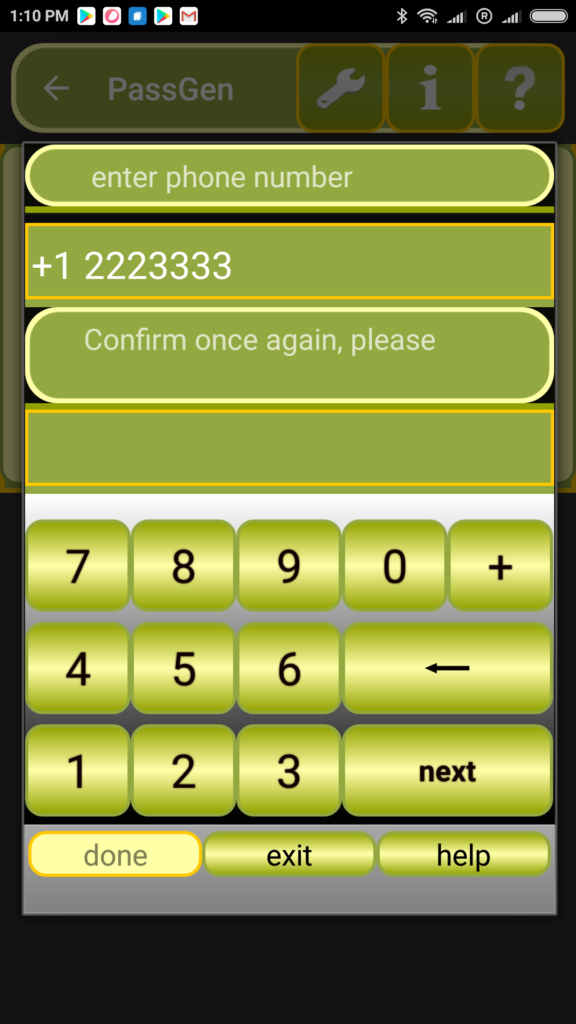
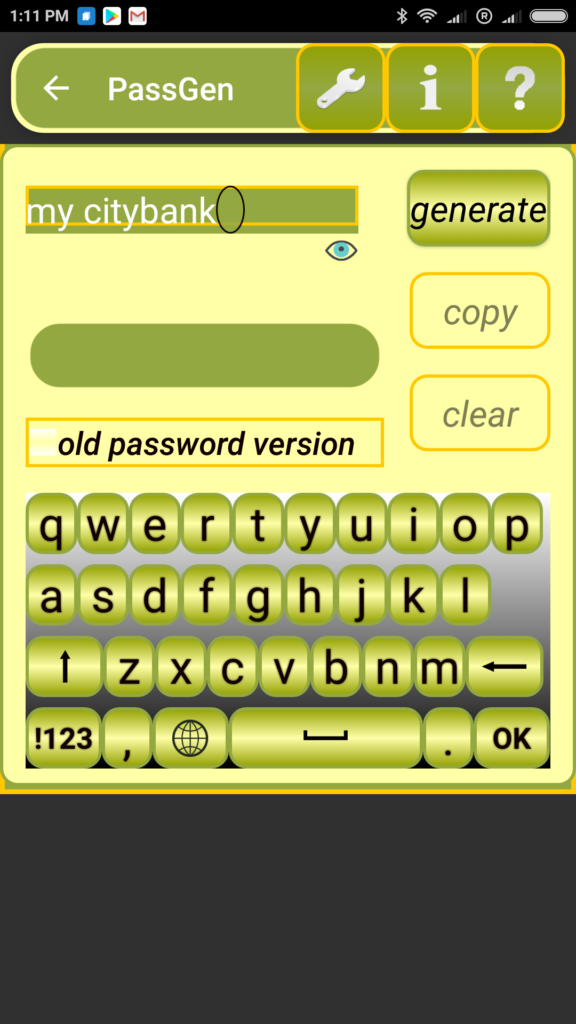
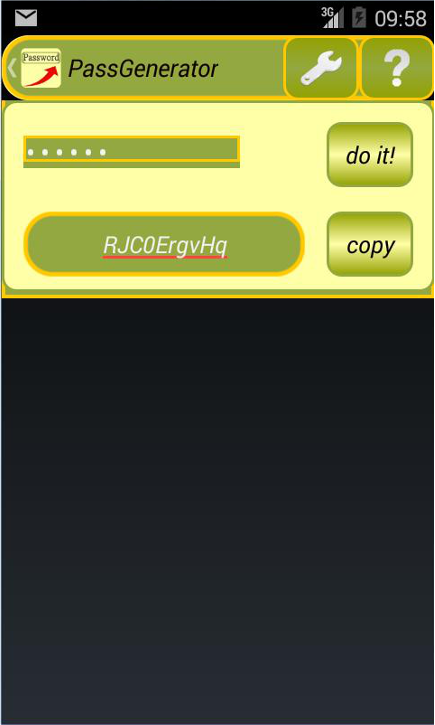
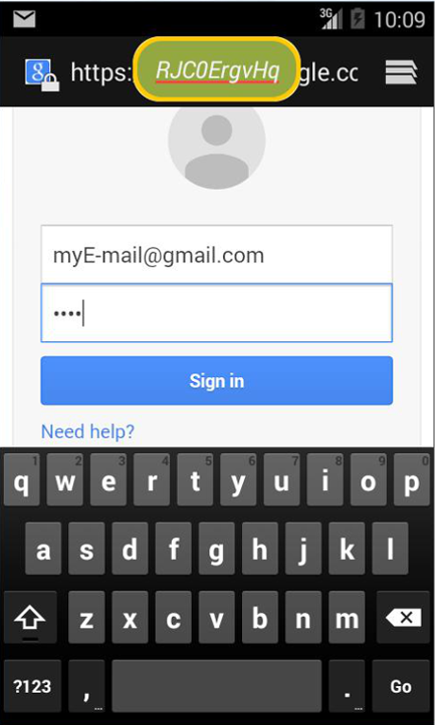
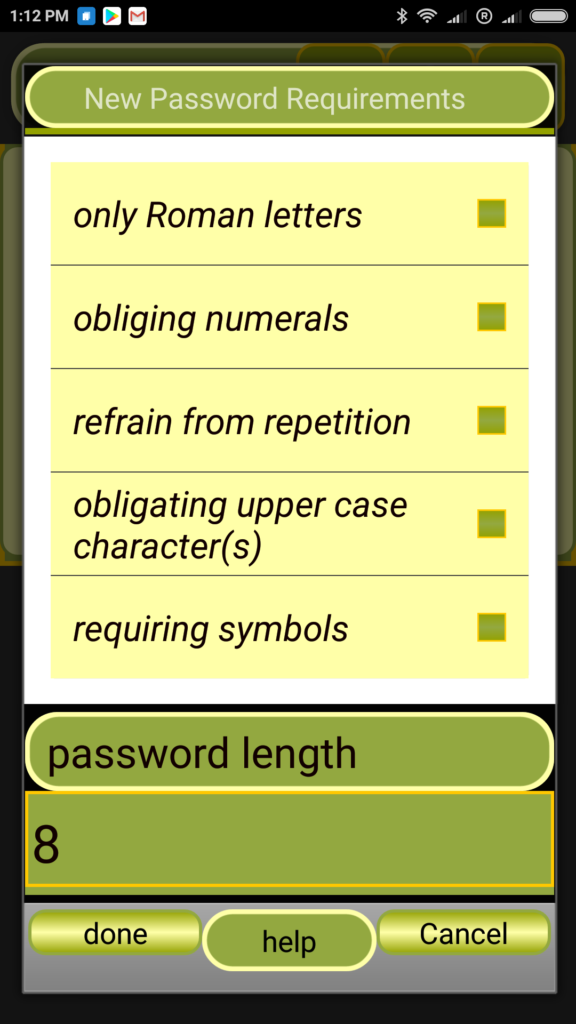
App converts easily remembered words and phrases to hard crackable passwords. Offers paid and free version Вы You can download free version here: You can download paid version here: Many investigations demonstrated that so many users of Internet services use as a password such words as: «Secret», «Password», own name, birthday and birthplace and etc. What is the reason of this? Answer is very easy. It’s easy for remembering. Now normal password with needed strength have to be ( long, using figures and symbols, using both uppercase and lowercase characters). Password has to be a random sequence symbols. For example, PassGen generated from simple code word “Michael” unique password ID85TMBm4e (it can be cracked for 6 years only!!!). Install PassGen. Enter a phone number during initial setup (first launch of PassGen). This number can be the number of your phone or any other but you have to remember it. This number is important setup parameters. It will be used in the procedure of password generation and will be needed for individualization and transferability of your PassGen. Individualization and transferability will be necessary for fulfillment condition: one word MUST generate only one password in any time and any place for you. Fig.1 Initial setup Fig.2 Typing easy memorable word After initial setup procedure you can start work. Type any word (or phrase), click button “Do it” and PassGen will create strong password(s). Generated passwords can be copied and pasted in needed field of Internet services. Fig.3 Strong password has been generated Fig.4 Pop-up Window to support copy-paste Fig.5 Setting requrements to password PassGen can work as alert app. It’s important and convenient in the case when field of Internet service doesn’t support paste mode. Password is visualized in window upper other apps and prompts what have to be typed in the necessary field. Requirements to password could be changed in “Settings”. We don’t recommend you to use “Settings” extensively, as it will affect the mechanism of generating all passwords, not just for the particular password. No ads. Android compatibility Version 2.3.2 (code-named “Gingerbread”) for all devices phones/tablets and higher. A tablet and a smartphone adapted

PassGen 2.0


Ok. You will have generated the password in accordance with requirements listed above. And now try to memorize it.
Of course, you can write it down or store electronically these passwords, but it reduces security.
It’s dilemma. How to generate strong password which will be easy to remember?
PassGen easy solves this dilemma. You will receive possibility to use a words (or phrases) which are easy to recall and PassGen will modify it to hard crackable passwords.
Hereafter phone number will be not requested and You will not change it.